Privacy policy
Your AI provider keys stay under your control.
Aon Pro Studio is a Windows and Apple Silicon Mac desktop app. AI-backed features use the provider keys you enter, and those providers process requests according to their own account, billing, and data policies.
에이온프로스튜디오 (Aon Pro Studio, “we”) explains below how it handles personal information on the Aon Pro Studio website and in the desktop app.
Local storage
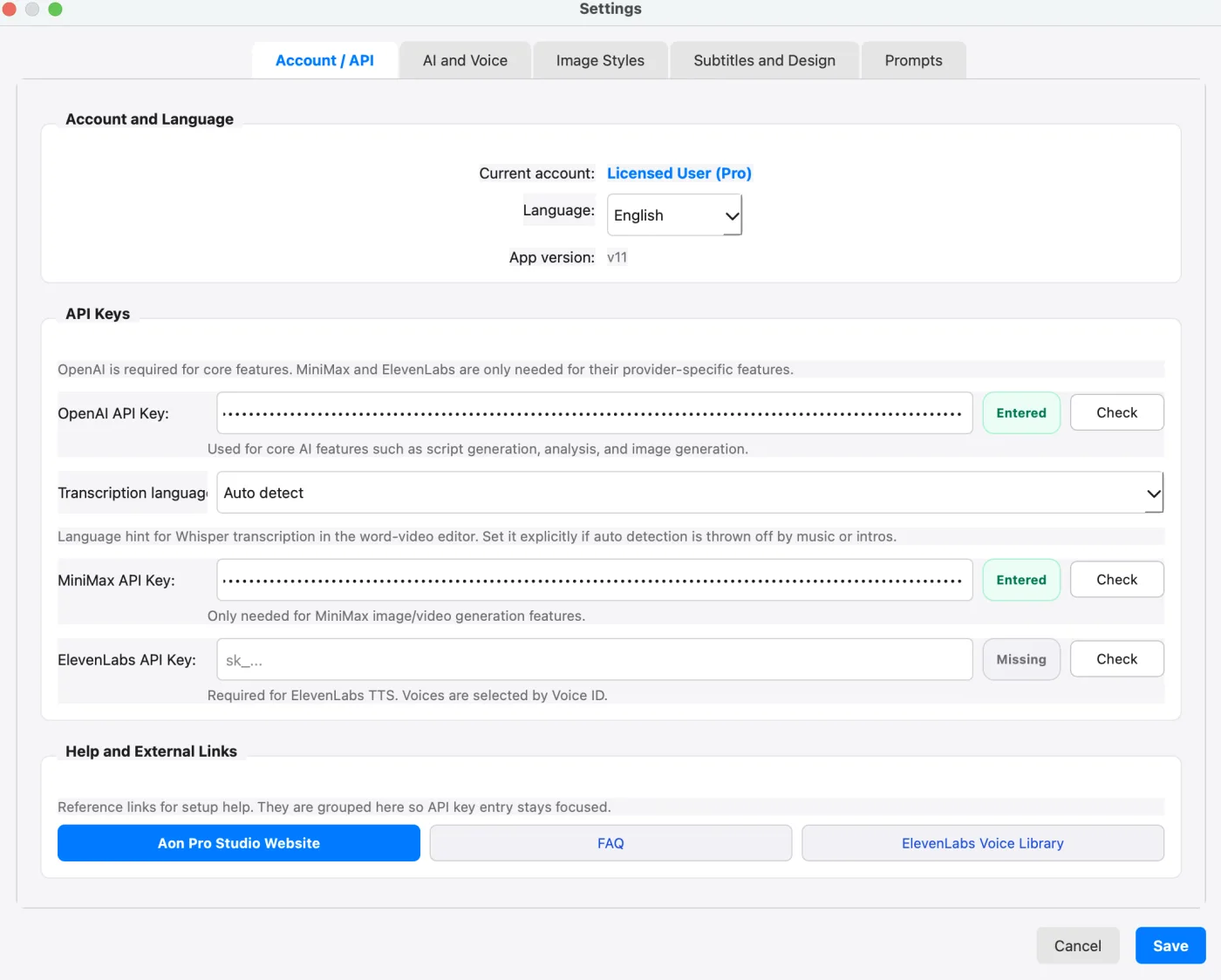
API keys are entered in the desktop application and stored locally by the app. Do not share screenshots, support messages, or recordings that reveal real API keys.
AI provider usage
When you use AI features, prompts, text, audio, images, or video inputs may be sent to the AI provider selected for that workflow, such as OpenAI, MiniMax, ElevenLabs, or Typecast. Provider billing, usage logs, model access, and rate limits are managed in your provider account.
YouTube upload (YouTube API Services)
The app's "Upload to YouTube" feature uses the YouTube API Services. When you use it, you sign in to your Google Account with a Google Cloud client you created yourself, and the videos, titles, descriptions, tags, thumbnails and captions you choose are uploaded straight from your computer to your YouTube channel. Sign-in data (a refresh token) and the upload history are stored only on your computer and are never sent to Aon Pro Studio servers. The app reads only the signed-in channel's name (to show the connection) and the visibility and processing status of the videos you upload (to confirm each upload), and keeps each uploaded video's ID and link in the upload history on your computer. It does not collect or share any other YouTube data.
By using this feature you agree to the YouTube Terms of Service, and Google processes data under the Google Privacy Policy. Clicking "Disconnect" in Settings › YouTube Upload deletes the stored sign-in data and asks Google to revoke access, and you can revoke access at any time in your Google Account security settings.
Project files and exports
Local project files, downloaded media, generated media, and rendered exports are saved on the computer or folders you choose. Keep project folders private if they contain unpublished scripts, voices, or client content.
Information collected at purchase
We collect the following when you buy a license on this site. Buying on this site does not need an account, so we do not collect your name, address or phone number. App accounts are described separately under “App accounts”.
- Purchase email — sending your license key, verifying you if you lose it, and handling refunds
- Order ID, amount, payment status and the payment provider's transaction ID — confirming payment and handling refunds
- Time of purchase and the terms and privacy versions you accepted — record of consent
- Issued license key — stored encrypted, used for key recovery and to prevent duplicate issuance
- Referral information (UTM parameters) — measuring advertising performance
We never collect or store your card number, expiry date or CVC. Payments are processed by our payment service provider, Payple Inc. (주식회사 페이플), which handles that information directly.
Service providers
- Payple Inc. (주식회사 페이플) — payment processing and refunds
- Brevo — sending license keys, order emails, and license recovery and password reset codes
- Railway — hosting the order, license and account server and database
Transfers outside Korea
Brevo and Railway are overseas providers, so the following information is transferred abroad over an encrypted connection (HTTPS) each time we process an order, send an email or check an account.
- Brevo SAS (France) · contact dpo@brevo.com (17 rue Salneuve, 75017 Paris, France) — items: recipient email address and email content (license key, order notice, license recovery and password reset codes) · purpose: sending email · when: each time an email is sent · retention: as long as needed to deliver the email (deleted when the service contract ends)
- Railway Corporation (United States, region us-west2) · contact privacy@railway.com (548 Market St PMB 68956, San Francisco, CA 94104, USA) — items: the purchase information above and the app account and app usage information below · purpose: running the order, license and account server and database · when: when an order is processed, when you sign up or sign in, and when the app starts · retention: as described under “Retention” (deleted when the service contract ends)
If you do not want your information transferred abroad, you can choose not to pay or sign up, but we then cannot issue or send a license key or let you sign in with an app account.
Your desktop settings and AI provider API keys are never sent to our payment server.
App accounts
When you create or sign in to an ID account in the desktop app, we process:
- ID (usually an email address) — identifying your account, signing in and sending password reset codes
- Name — account checks and support
- Password — checking your sign-in. Stored only as a one-way hash; we cannot see it.
- Sign-up time and plan — managing the account and checking your license
- Password reset code — verifying you. Stored as a one-way hash and valid for 10 minutes.
App usage statistics
Each time the released desktop app starts, it sends the following to our server once. It never sends your email, name, license key or API keys, and we use this only to count how many computers use the app and how often.
- Computer identifier — a value that tells computers apart. Our server turns it into a one-way hash before storing it and never stores the original.
- Sign-in type (license, account or free), plan, app version and operating system — usage by version and plan
- The day the app was started and how many times that day — counting daily users
Retention: 1 year from collection, then deleted automatically.
Retention and deletion
- Order and cancellation records and payment and delivery records are kept for 5 years, and complaint records for 3 years, as required by Korean e-commerce law.
- The link between your license key and purchase email is kept for as long as the key can be used, so we can help you recover it.
- App account information is kept while you use the account and deleted without delay when you ask us to delete it.
- Email verification codes expire shortly after they are issued.
- App usage statistics are kept for 1 year from collection and then deleted automatically.
When the retention period ends or the purpose is fulfilled, we delete the data from our database so it cannot be recovered. Records we must keep by law are stored separately and deleted the same way when their period ends.
Security measures
- All traffic is encrypted (HTTPS).
- License keys are stored encrypted; passwords and verification codes only as one-way hashes.
- The order and account database is on a private network with no direct outside access, and admin functions require separate admin authentication.
Your rights
You can ask to access, correct or delete your personal information, or to stop its processing. Email aonprostudio@gmail.com from the email address you used to purchase. We reply within 48 business hours.
Records we must keep by law (see “Retention”) cannot be deleted before their retention period ends. Deleting your purchase record also means we can no longer recover your license key or process a refund.
Privacy officer and remedies
Privacy officer: Kim Duyoung (김두영, owner) · aonprostudio@gmail.com · +82-50-6617-9836. In Korea you can also contact the Personal Information Infringement Report Center (118, privacy.kisa.or.kr) or the Personal Information Dispute Mediation Committee (1833-6972, www.kopico.go.kr).
Support safety
If support asks for screenshots or logs, remove API keys and private content first. To access, correct or delete your personal information, or for feedback and questions, email aonprostudio@gmail.com.
This privacy policy takes effect on 18 September 2026.