Editor
Best when you want per-scene control over 16:9 or 9:16 projects, media sources, voice, subtitles, titles, BGM, audio balance, and render settings.
Getting started
You do not need a license key to follow this guide. Install on Windows or Apple Silicon Mac, start on the free Basic plan, add API keys, then choose the production mode that matches the video you want to make. Activate a Pro license whenever you want to lift the free plan's limits.
The free Basic plan exports with no resolution cap, limits one-click, persona, and motion graphics to 3-scene Shorts, and keeps full automation and high-quality production mode for Pro. Software downloads (re-downloads included), product updates and future major versions are guaranteed for 12 months from the purchase date, and software you have downloaded keeps working with no time limit after that. AI API usage stays separate on both plans. See the free-vs-Pro comparison.
Open Settings and add your OpenAI API key. OpenAI is required for core AI workflows. For TTS you can use free voices (no API key, made on your computer) or choose from four providers - OpenAI, MiniMax, ElevenLabs, and Typecast - and MiniMax also adds image-to-video (Hailuo 2.3 Fast, H3 and H3 Max) and the high-quality production mode. Gemini is not currently supported.
Don't have keys yet? The API key setup guide walks through creating your OpenAI, MiniMax, ElevenLabs, and Typecast keys step by step, with direct links to every official signup, billing, and key page.
Best when you want per-scene control over 16:9 or 9:16 projects, media sources, voice, subtitles, titles, BGM, audio balance, and render settings.
Best when you have a topic and want a guided workflow from script to render. It is the simplest and fastest route, so start here if this is your first project.
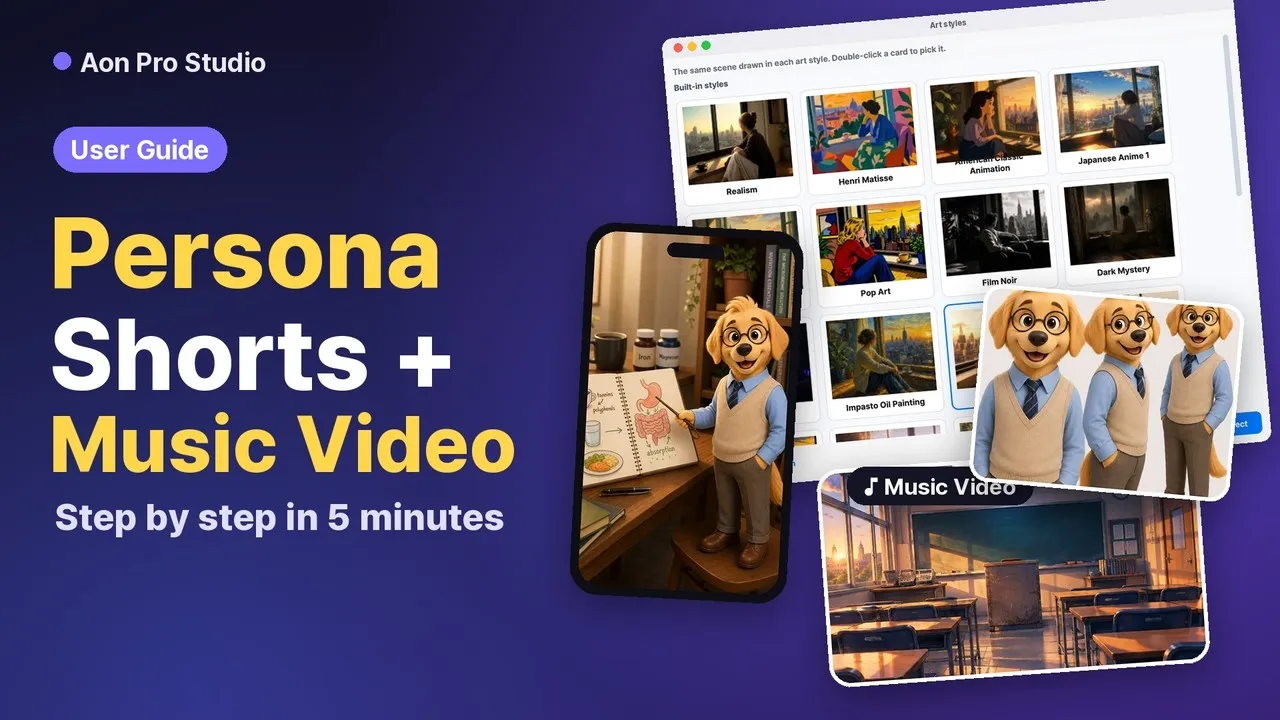
Best when you want a recurring character. Generate a character sheet (front, three-quarter, full body) from a name alone or upload your own image, save it to the persona library, and keep the character consistent across every scene. You also control where they appear: every scene, intro and outro only, or explanatory scenes only.
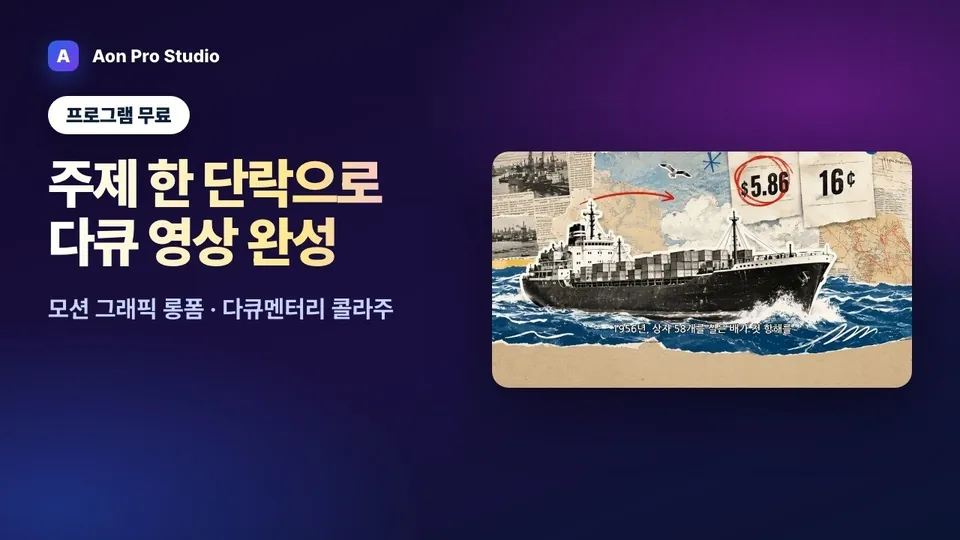
Best when you want on-screen titles, labels, and numbers, like an infographic. Pick one of the paper collage, documentary collage, ink brush, or cyber-tech HUD style sheets by eye and every scene is drawn against that sheet, with a per-scene motion prompt prepared for image-to-video. Requires gpt-image-2 or gpt-image-1.5.
Best when you already have photos, clips and text to build from. Drop the files in and give each photo and clip a short tag; AI decides the scene count and the script and puts your materials on scenes. Use your text as the narration word for word or let AI rewrite it, and change the material on any scene. Photos are redrawn to fit their scene, clips are used as they are, and scenes without a material get a new image. Tags only tell your files apart — they are never sent in image or video requests.
Best when you want a short motion graphic where the title, keywords and a number land on the beat. Pick one of 51 ready-made presets, type your text, and you get a video with its own music. Line, bar and donut charts, ranked bars and comparison tables, icons that draw themselves in, and ten scene transitions are built in, and exported videos add motion blur to sliding moves and transitions. The app draws the presets and synthesizes their music in code, so there is no API key and no generation cost, and the preview redraws as you type. Vertical and horizontal are laid out separately rather than cropped. Exports are HD or FHD at 30 or 60fps; Basic can use two presets and Pro every preset.
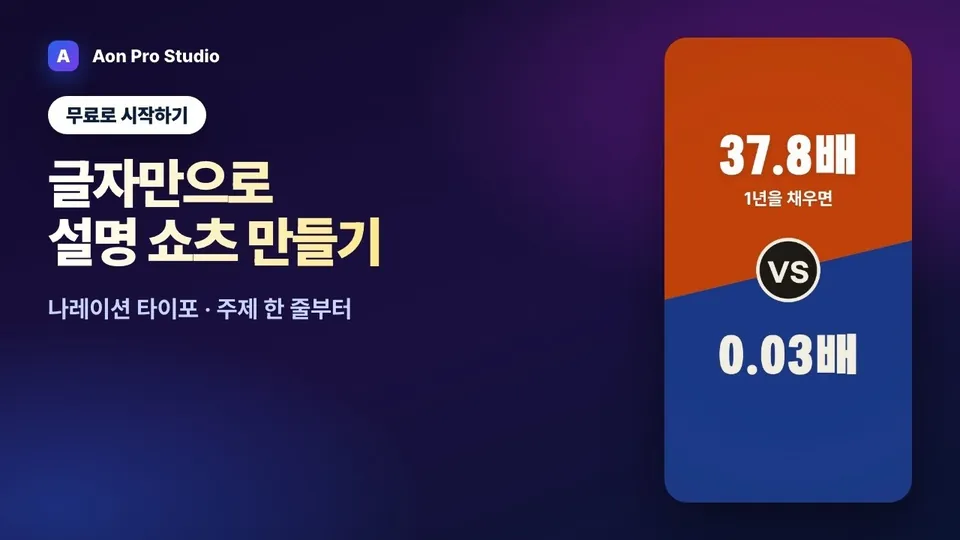
Narrated Typo Shorts and Longform: like One-Click, a topic becomes a script and a voice (this needs the same API keys as One-Click), and each scene gets a typo pattern instead of an image. The layout is prefilled from the script and editable per scene, and keywords pop on screen the moment they are spoken. There is no background music; sound effects can be turned on or off (off by default). Like One-Click Shorts, Basic can make Narrated Typo Shorts in 3 scenes; the longform is Pro only.
Best when you want to set shot size, angle, camera move, and lighting per scene and lock the cast with character sheets. You walk nine steps - script, voice, planning, characters, images, video, subtitles and BGM, review, render - and video is generated with MiniMax H3 or H3 Max as 5-15 second clips that continue from the previous scene's last frame. Needs both an OpenAI key and a MiniMax key; H3 is billed per second, so costs are announced first.
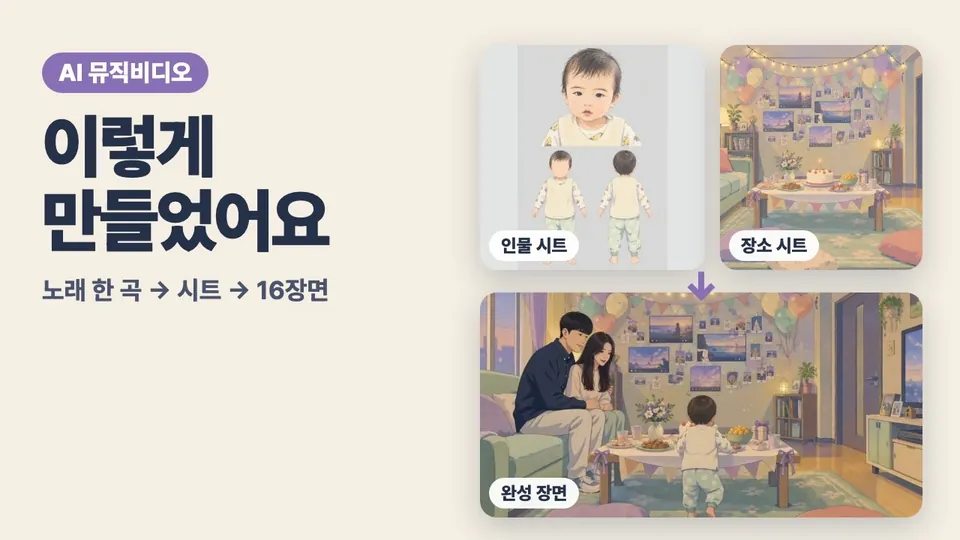
Best when you want to turn one song into a story music video. You walk plan, music, storyboard and clips, characters, backgrounds, clip stills, video, review, and render, and the length of the song you confirm becomes the length of the video. Generate the music with MiniMax music-3.0 or import a file you already have; character and background sheets go into every clip so people and places stay consistent.
Best when you want a drama in which the characters speak, made as a series. One project is one series (a single episode works too). You do not start a new project per episode: the project window tracks every episode as not started, in progress or done. The outlines from the series plan become the to-do list — episodes you have not created yet hold their place, and clicking one creates it with the title and length it was given.
Open an episode and plan → storyboard and lines → characters and voices → locations → video → subtitles and translation → review → render run as a single flow, each step reading what the step before it left behind. The plan reads the series bible and the previous episodes' summaries; the storyboard turns that plan into scenes and lines; a directing pass stages those lines on screen; the video is generated from that prompt together with the sheets and voices. You can edit any field at any step, and the edit reaches the next step immediately.
MiniMax H3 or H3 Max takes the character and location sheets plus the voices you register as references and generates the lines and sound effects with the picture; subtitles are transcribed from the clips' actual audio with Whisper, editable and translatable. Pick an art style and the sheets are drawn in it and the video follows, so live-action drama and animation run through the same flow. There is no background music.
Best when you want a 10–100 second ad for one product. The plan step carries the weight: write the product name, category, selling points, audience and forbidden claims, attach real product photos, and proposals are written from those facts alone. A proposal is never right the first time, so they stack up as proposal 1, 2, 3…, and you can take one and ask for a variation ("funnier", "product only") that keeps its number in the sequence. Adopt one and the next step opens.
From there it runs plan → storyboard and video prompts → models → product sheet → reference frames → video → review → render. A 10 or 15 second ad is one clip; 20 and 30 seconds split into two; longer ads become several clips of up to 15 seconds. Skip the character step when nobody appears. The product sheet is drawn from your photos — same shape, label and colours — so the product looks identical in every clip.
Scenes that carry Korean copy get a reference frame where the image model draws the text exactly, and that frame is handed to the video model as a reference. Every video prompt spells out, moment by moment, the shot size, the camera move, what the product does, how the person reacts and how the clip cuts into the next one. There is no narration or dialogue: 10 and 15 second ads get music composed inside the clip, and longer ones carry sound effects only.
Best when you want to queue multiple topics, URLs, or quotes and process them in sequence.
Screens and a 4:25 walkthrough video are on the AI Video Editor page.
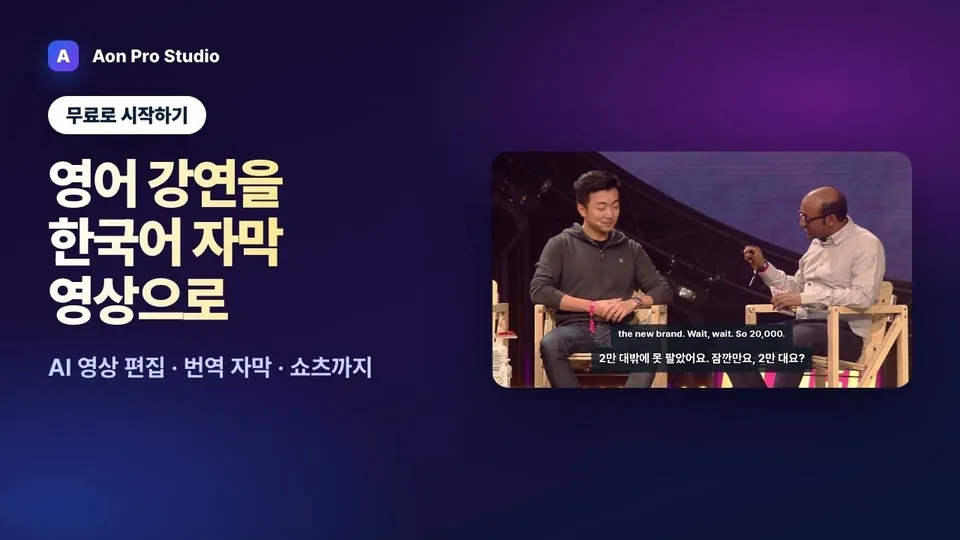
Best when you want to edit footage or a YouTube URL through its transcript. Delete words to cut the video; AI proposes an edit concept, cuts, and a target length, and pulls up to 30 Shorts from a long video for one render. A click selects a phrase, the words between two pauses, so most cuts land cleanly in the pauses; cuts inside connected speech gather under 'Cuts to check' so you can listen and fix them. After cutting, 'Check joins' reads each cut straight through and fixes words left hanging or broken sentences. The Apple Silicon Mac app aligns word boundaries in Korean videos more precisely with a Korean alignment model. You can also drag over the waveform on the timeline and press Delete to cut a range (hold Option for frame-exact cuts; ⌘K drops an edit point — Alt and Ctrl+K on Windows), and cut and export videos you never transcribe. 'Open without analyzing the audio' skips the analysis so the preview is ready sooner, and screen recordings with no audio track open and cut too. Save As keeps several edits of one video (a 10-minute and a 3-minute cut) without paying for transcription again. On Apple Silicon Macs and Windows, 'On this computer (free)' transcribes without an API key (a 574 MB model downloads once; Windows uses the CPU and shows the expected time first). Mark speakers with a right-click to select one speaker's lines or show names in captions. Split recordings open as one with 'Join several videos', and B-roll laid over the words follows them through cuts. 'Replace' in the find bar fixes a misheard name everywhere at once, and right-clicking the transcript or timeline offers delete, restore and play from here. Translated captions (English, Japanese and more; paid) come out as SRT or VTT with the edit's timing, and 'Apply translated captions' puts the original, the translation, or both into the video itself (Shorts get the same captions; words cut from the main edit show in the original). Captions take your colors, length and an optional spoken-word color, and a saved style carries over to other videos. Background music (your file or a track the app makes) dips automatically while you speak. Exported audio is leveled to YouTube loudness (−14 LUFS).
Each video follows one mode from the topic to the finished render with real app screens. The videos are narrated in Korean; YouTube can translate the captions.
How-to video (Korean) · High-quality narration
Video not playing? Narrated in Korean; YouTube can translate the captions. Watch on YouTube
How-to video (Korean) · Music video
Video not playing? Narrated in Korean; YouTube can translate the captions. Watch on YouTube
How-to video (Korean) · Motion graphics longform
Video not playing? Narrated in Korean; YouTube can translate the captions. Watch on YouTube
How-to video (Korean) · Narration typo
Video not playing? Narrated in Korean; YouTube can translate the captions. Watch on YouTube
How-to video (Korean) · AI Video Editor · translated captions
Video not playing? Narrated in Korean; YouTube can translate the captions. Watch on YouTube