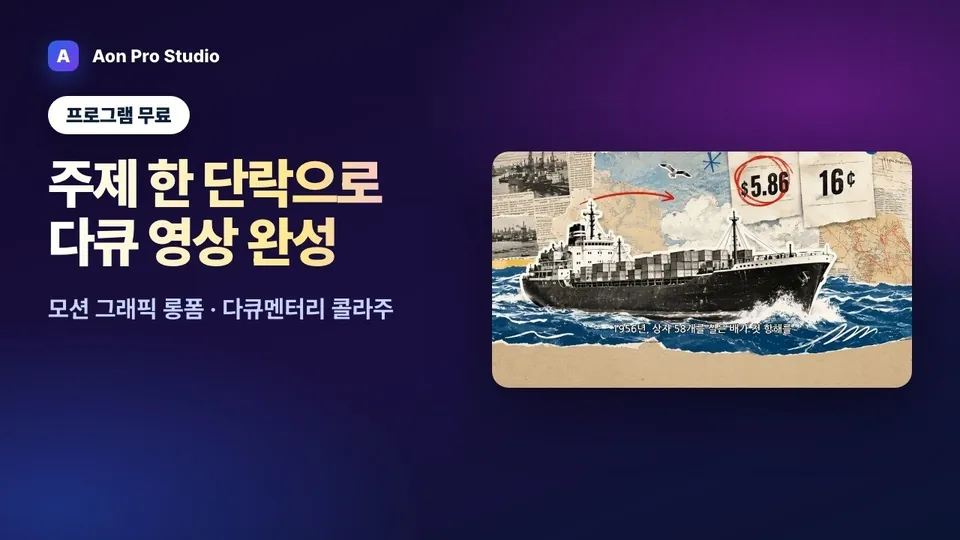
Same flow as one-click
Everything from the topic to the render follows the same steps as one-click mode. The one difference is that the look comes from a sheet instead of a text style.
Modes · Motion graphics
Nobody can tell "Paper Collage" from "Cyber Tech" by reading a dropdown. Motion graphics mode lets you pick a style sheet image that ships with the app and passes that sheet as the reference image for every scene. The palette and typography are baked into the sheet, so colors do not drift from scene to scene.
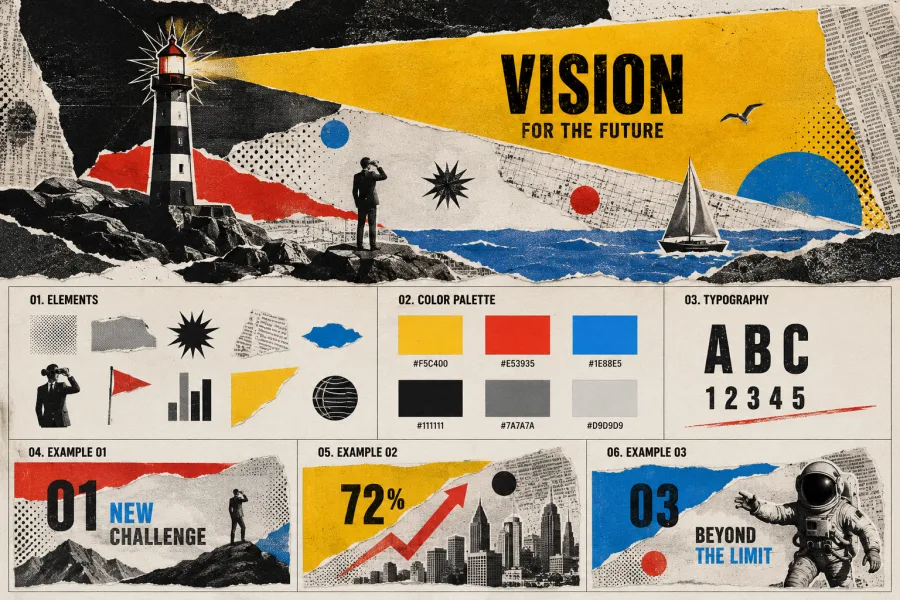
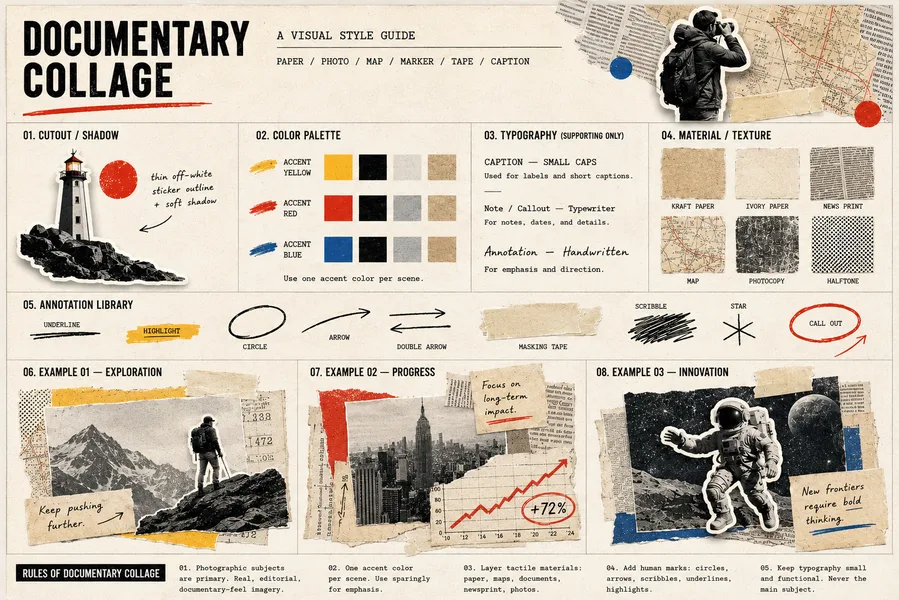
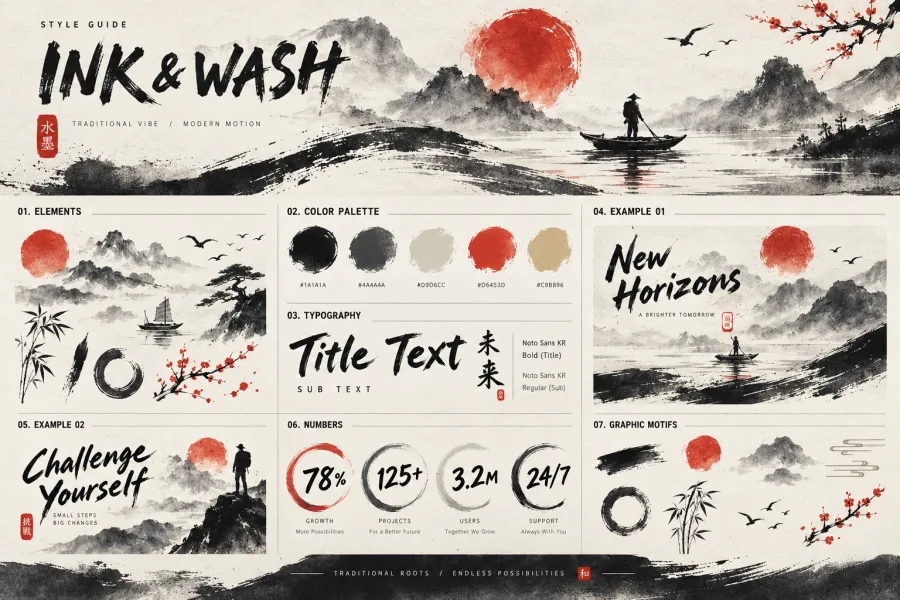
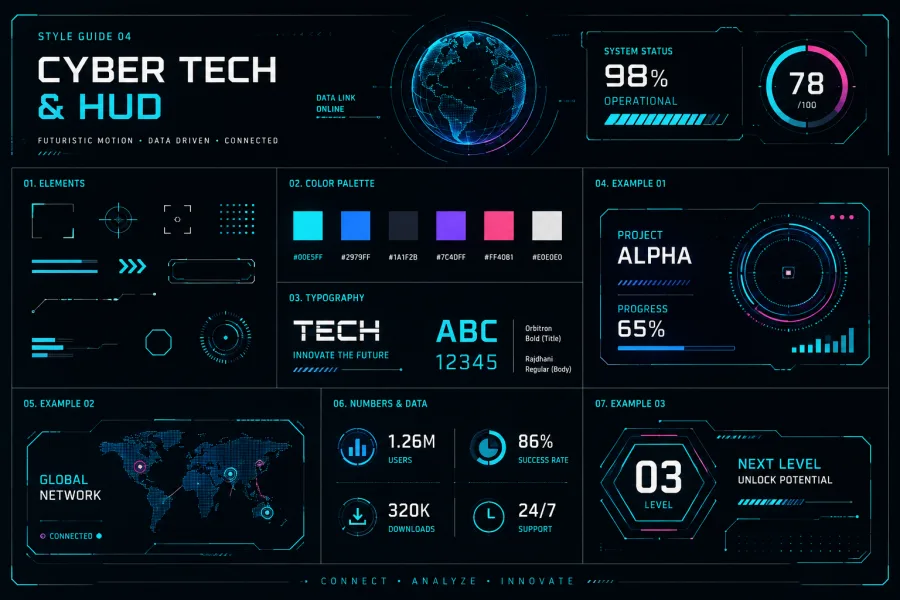
Everything from the topic to the render follows the same steps as one-click mode. The one difference is that the look comes from a sheet instead of a text style.
Like a real infographic, every scene carries a short title, a label and a number on screen.
The free Basic plan includes 3-scene motion graphics Shorts; longform and scene-count choices open with Pro.
Art-style selection changed too. In one-click and persona modes you now pick a style from side-by-side examples of the same scene rendered in each style, seven built-in styles were added, and the thumbnail creator uses the same picker.
How-to video (Korean) · Motion graphics longform
Video not playing? Narrated in Korean; YouTube can translate the captions. Watch on YouTube