The song's length is the video's length
The song is confirmed first and the video is cut to fit it, not the other way around.
Highlighted steps are the ones that decide the result in this mode.
The song is confirmed first and the video is cut to fit it, not the other way around.
A scene longer than one pass can cover is split into pieces that carry the same beat of the story.
You pick the skeleton before anything is generated. The shape you choose follows every scene and sets how hard each one pushes.
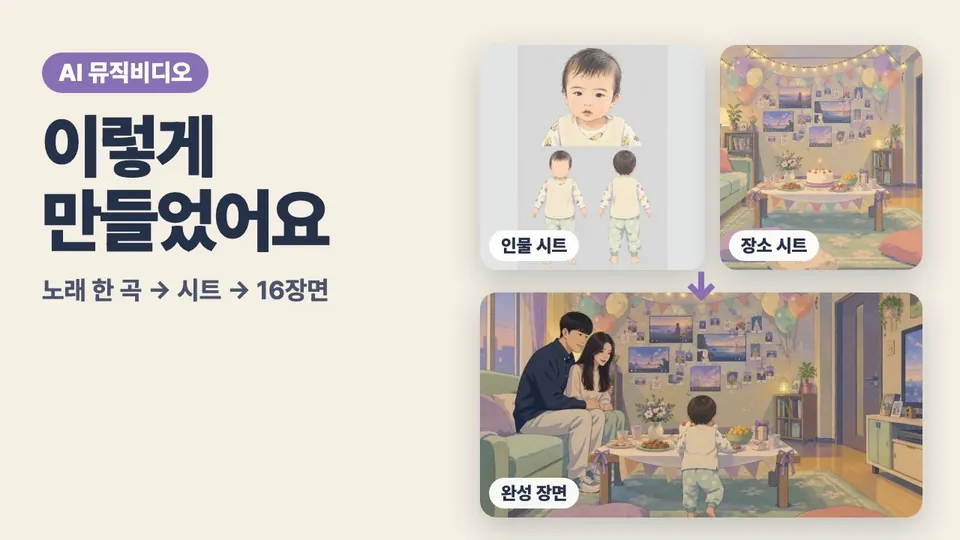
Character sheets and background sheets are built first and fed into every clip as references, so the same person does not arrive with a different face and the same place does not become somewhere else.
A place to see the framing as a picture before spending on video. Skip it if you do not need it.
There is no vertical music video, and no video model to choose either.
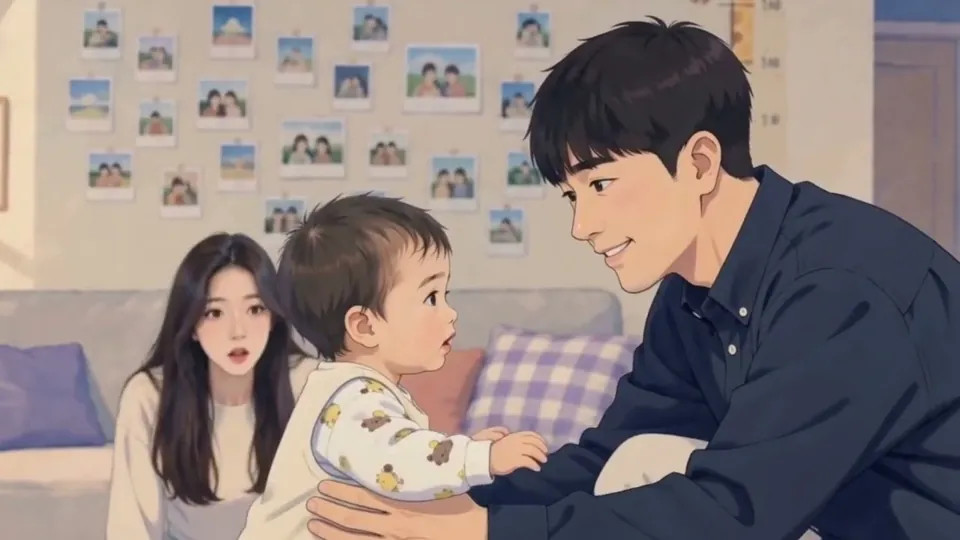
Sample · Music Video 16:9 · straight out of this mode
Video not playing? Watch on YouTube
How-to video (Korean) · Music video
Video not playing? Narrated in Korean; YouTube can translate the captions. Watch on YouTube
Make it in the app, or import an audio file you already have. MiniMax accounts created after 20 August 2026 cannot use the paid music API, so those accounts take the import route. Importing a file works on any account.
All four modes need the Pro license plus both an OpenAI and a MiniMax key. Install the free Basic plan first, try the other modes, then decide.